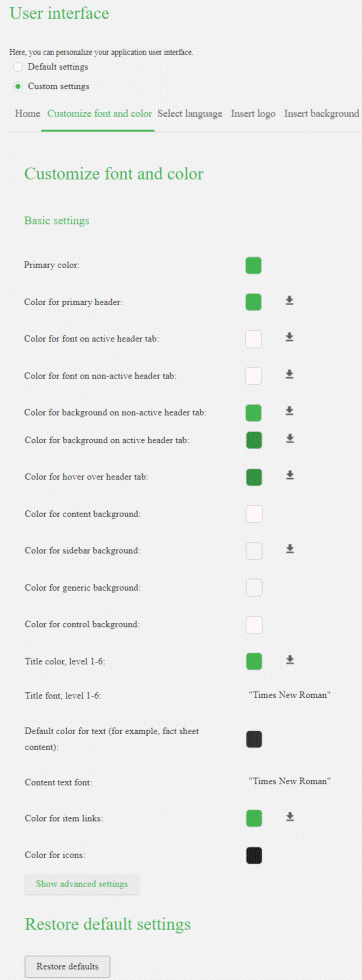
Customize font and colors
Customize the font and colors to match the corporate brand of your company.
Click
 Application launcher >
  Administration.
Click User interface.
Select Custom settings.
Click Customize font and color.
Scroll to Basic settings.
Specify the required settings.
The changes are applied.
Example 18.
Default font and colors:
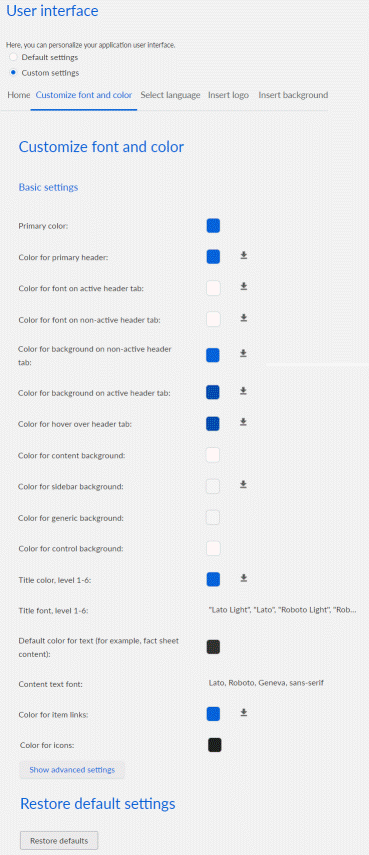
Customized font and color: