Insert background
Select the graphics file you want to display as the background.
Click
 Application launcher >
  Administration.
Click User interface.
Click Insert background.
Click Browse and navigate to the required background file. You can upload SVG, PNG, and JPG files.
Click Open.
The graphic is uploaded. The background is used for Home.
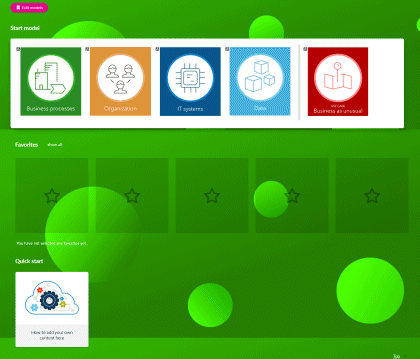
Example 23.
Default Home page:
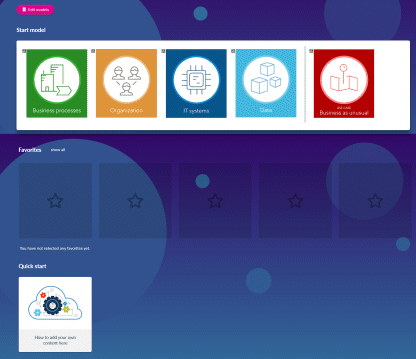
Customized Home page: